eCommerce Peak Season Checklist: Get Your Support Ready
)
Peak season is the most exciting stretch of the year for online sellers. Orders climb fast, and your inbox fills up right along with them.
Right now, things are still calm. That makes this the perfect moment to get your channels and your support team sorted before the rush turns hectic.
This eCommerce peak season checklist walks you through every step. There's a free version to download at the end, so you can tick things off as you go.
TL;DR
Peak season runs from Black Friday on 27 November all the way to mid January, when returns slow down.
Most of the extra support tickets are the same few questions about order status and returns.
Get every sales channel into one inbox before November so nothing slips through.
Set up AI now. It needs a few weeks to learn your store before peak week.
Download the free checklist and work through it one section at a time.
When does peak season start for eCommerce sellers?
Peak season for eCommerce sellers starts in late November and runs to mid January. Black Friday and Cyber Monday bring the big spike. Christmas orders and January returns keep things busy for weeks after that.
The best time to start preparing is about six weeks before Black Friday. Here are the dates to put in your calendar now.
| Date | What happens | What it means for support |
| 27 November | Black Friday | Orders jump and promo questions start flooding in |
| 30 November | Cyber Monday | A second wave of orders and "where's my order?" messages |
| Mid to late December | Christmas delivery cut-offs | Customers want to know if gifts will arrive in time |
| Early to mid January | Returns season | Return and exchange requests hit their peak |
Why does customer support get so busy during peak season?
More orders mean more questions, and most of them are the same few on repeat. "Where's my order?", "Will it arrive before Christmas?", "Does my discount code still work?" and "How do I return this?" fill up inboxes everywhere.
Marketplaces also keep tracking how fast you reply, even on Black Friday weekend. Slow replies can hurt your seller metrics right when sales matter most.
Here's the good news. All of this is predictable. You know what's coming, so you can get ready for it now.
How do you get your sales channels ready for peak season?
Check every listing across your channels and keep your stock synced so you don't oversell. Do it about six weeks before Black Friday, so there's time to fix anything that's off.
Check every listing
Make sure prices and delivery estimates match on Amazon, eBay, Shopify and every other channel you sell on. One wrong delivery date can turn into a pile of "where's my order?" messages later.
Keep your stock in sync
If you oversell on one channel, you end up cancelling orders and upsetting customers. Sync your inventory in real time across every channel.
Know each marketplace's reply deadline
Write down how fast each marketplace expects you to reply. Then decide who on your team covers each channel over Black Friday weekend.
How do you prepare your inventory and delivery?
Stock up early on your best sellers and get your carriers' Christmas cut-off dates. Then add a little extra time to your delivery estimates, because carriers slow down at peak.
Christmas delivery cut-offs land in mid to late December. Show each carrier's last shipping date clearly on your store, so customers don't need to message you about it. It's also worth checking that your 3PL or warehouse can keep up with weekend orders.
How do you get your customer support team ready for peak season?
Bring every channel into one inbox and prepare replies for your most common questions. Then plan your team's cover for Black Friday weekend.
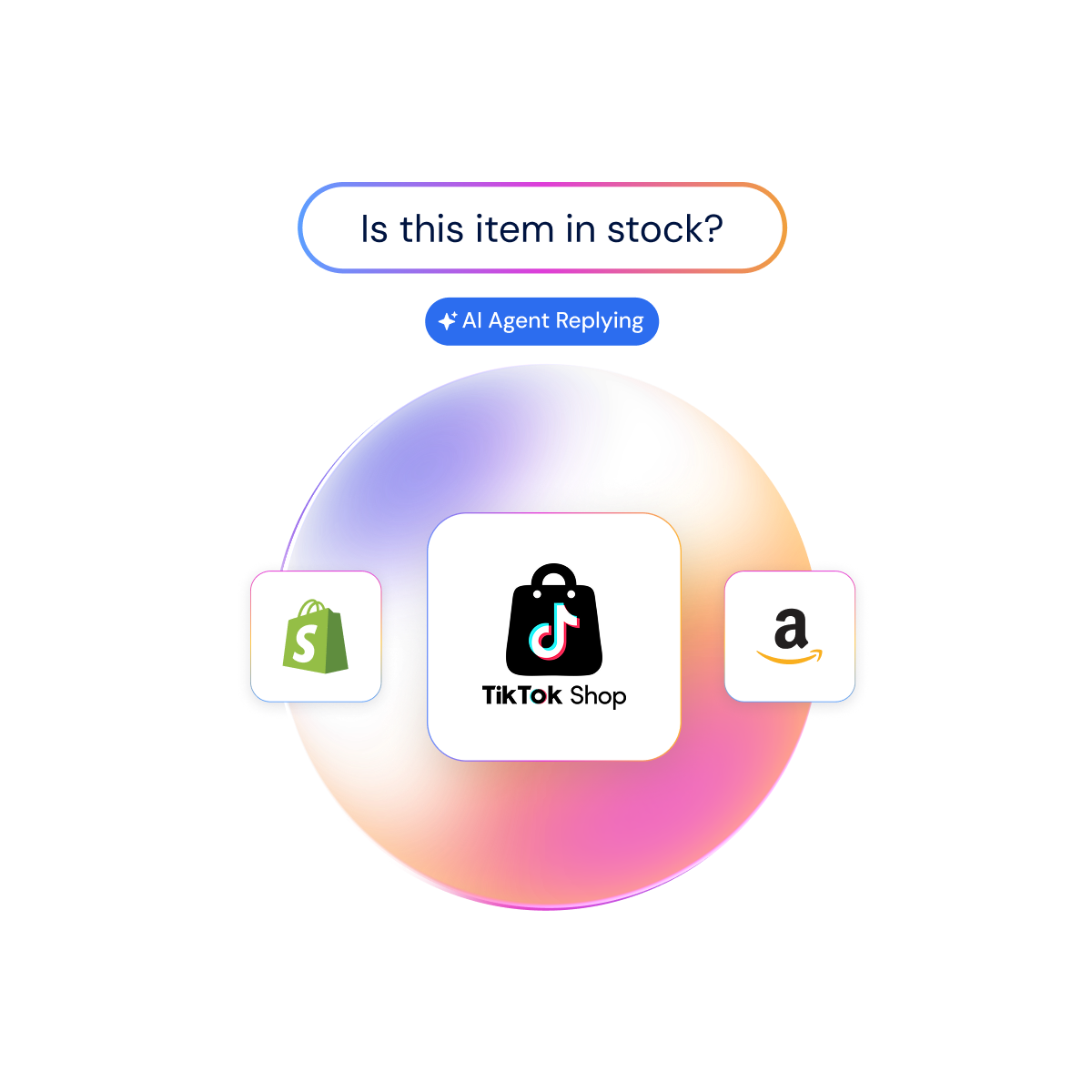
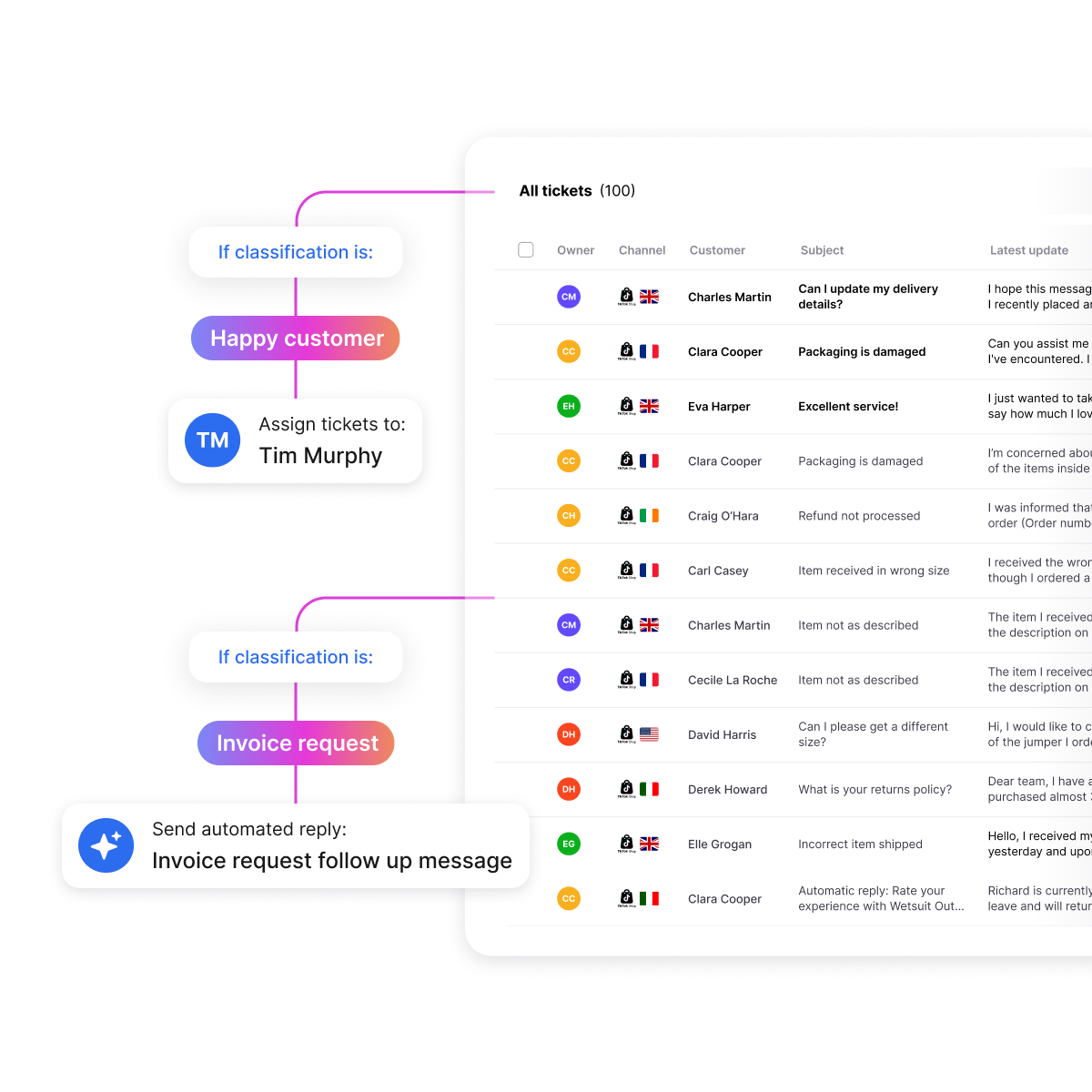 Put every channel in one inbox
When Amazon, eBay, Shopify and email messages all land in one place, nothing gets missed. eDesk connects to 300+ sales channels and tools, so your whole team works from a single queue.
That's a big reason 80% of sellers who switch to eDesk come from platforms without native Amazon or eBay support.
Show order details on every ticket
Your team shouldn't have to dig through seller portals to answer one simple question. eDesk pulls the order and tracking details right into the ticket, so agents can reply without switching tabs.
Write your peak reply templates now
Prepare answers for order status, delivery delays, returns and promo questions. Writing them now, while things are calm, saves your team hours in December.
Set priority rules
Send marketplace messages with reply deadlines to the top of the queue, so they always get answered first.
Plan your weekend cover
Black Friday weekend runs Friday to Monday. Set shifts for all four days, evenings included.
Agree on an escalation path
Decide who handles refunds above a set amount and complaints that could turn into bad reviews. Your team will know exactly where to send them.
What should you do after peak season?
Get ready for January returns. Return and exchange requests peak in early to mid January, so keep your returns replies handy and your team on cover through that window.
Show your holiday return window on product pages and in order emails, so customers can find it without asking. Once things calm down, look back at your response times and send friendly follow-up emails to turn your new holiday buyers into regulars.
What are the most common peak season mistakes?
The biggest one is starting too late. Here are the mistakes to watch out for.
Starting too late. New tools and AI need time to learn your store. Mid-November is too late to set them up.
Ignoring marketplace deadlines. Slow replies on Amazon or eBay can hurt your seller metrics in your busiest weeks.
Answering order status by hand. These tickets pile up fast. Automate them and save your team for real problems.
Stopping at Cyber Monday. Returns peak in early to mid January, long after the sales are over.
How eDesk helps you through peak season
eDesk is a customer support helpdesk built for eCommerce sellers. It brings Amazon, eBay, Shopify and 300+ other channels into one inbox, with order details next to every message.
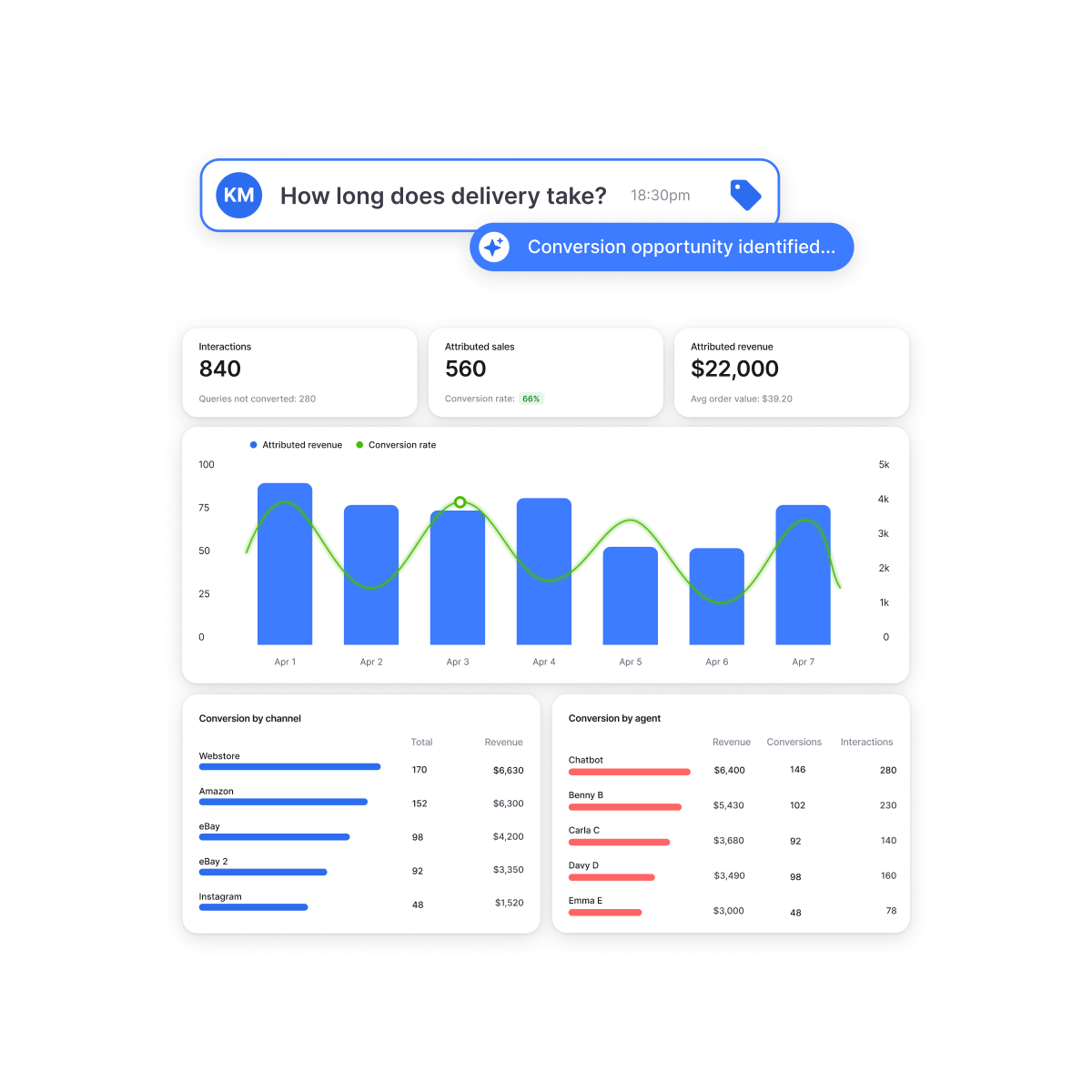 AI Agent takes the busy work off your plate
AI Agent is the best way to get through peak without burning out your team. It automates up to 65% of routine tickets, like order status and simple policy questions. It answers instantly, day and night, and passes the tricky ones to your team.
The window to set it up is now
AI Agent needs a couple of weeks to learn your store before it's ready for peak volume. Leave it until November and it's still learning when Black Friday hits.
Start now, and AI Agent is already answering tickets on day one of the rush. Your team walks into Black Friday weekend with a much lighter queue.
Sellers are already seeing results
Pertemba grew from 90 to 130 sales channels with eDesk, while going from 12 agents to 7. They kept 97.6% SLA compliance the whole way. Sennheiser cut its response time by 61%.
Black Friday is 27 November. Book a free demo this week and get AI Agent ready before the rush.
Key takeaways
Mark the key dates: 27 November, 30 November, mid to late December and early to mid January.
Bring every sales channel into one inbox before November.
Write reply templates for your most common questions now, while things are calm.
Set up AI Agent at least two weeks before Black Friday.
Plan cover for all four days of Black Friday weekend, plus an escalation path.
Keep your returns team on cover until mid January.
FAQs
1. When should I start preparing for peak season?
Start about six weeks before Black Friday. That gives you time to set up new tools, train AI on your store and test everything before orders spike.
2. What do customers ask most during peak season?
Order status is the most common question. Delivery times, returns and promo codes follow close behind.
3. Can AI handle customer support during Black Friday?
Yes, AI can handle your routine questions during Black Friday. eDesk's AI Agent automates up to 65% of routine tickets and passes the tricky ones to your team.
4. How do I manage support across Amazon, eBay and Shopify at peak?
Bring all your channels into one inbox. eDesk connects to 300+ sales channels and tools, so your team can answer every message from one place.
Author:
)