Veepee Integration
Veepee marketplace integration for faster seller support
The eDesk Veepee marketplace integration brings buyer messages and orders from your Veepee stores into one helpdesk, so your team answers flash-sale customers from the same inbox as every other channel. Veepee is a members-only flash-sale marketplace selling fashion, toys, appliances and other goods. If you sell there alongside other marketplaces, you no longer need a separate Pink Connect login for each routine customer question.
Trusted by leading eCommerce brands
- 4.8 out of 5Shopify App Store

- 4.5 out of 5G2

- 4.4 out of 5Capterra


What the Veepee marketplace integration does in eDesk
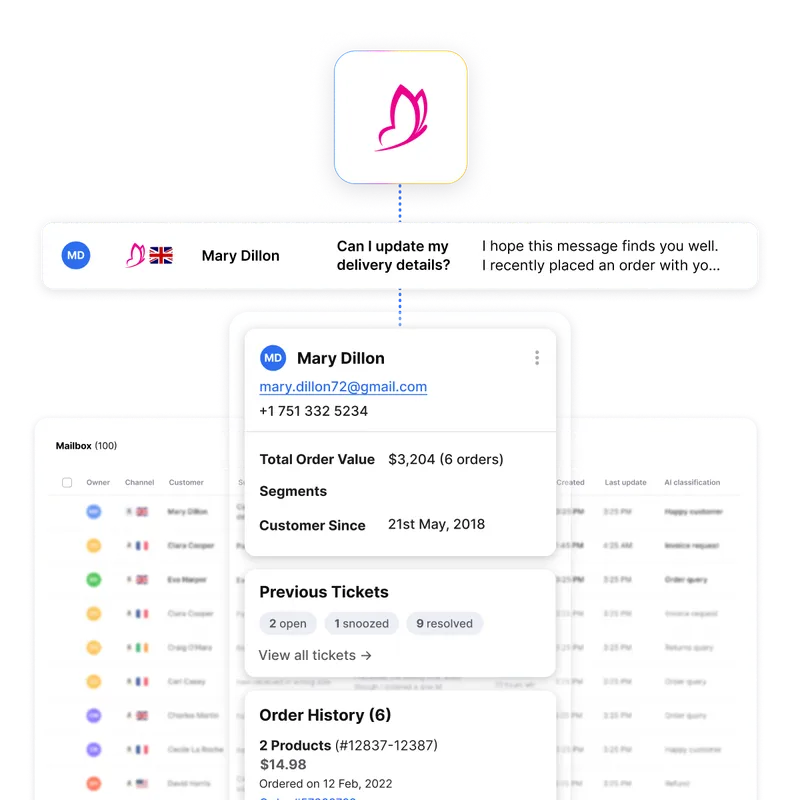
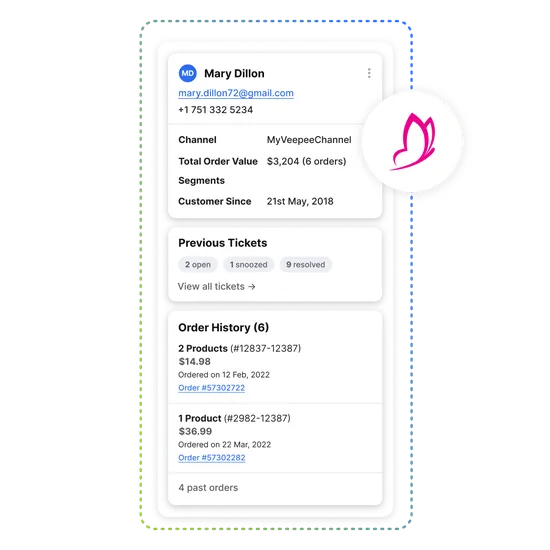
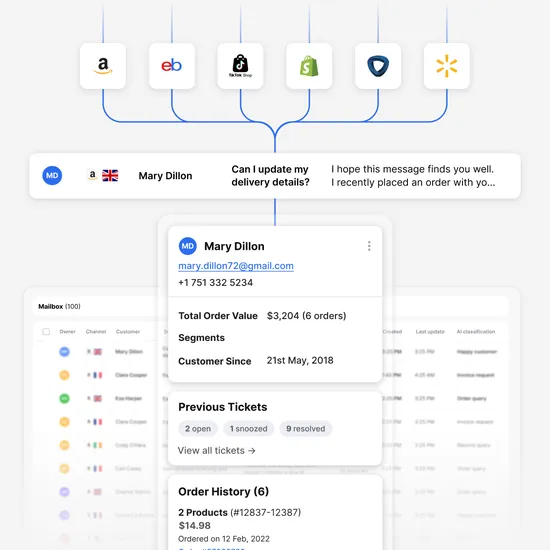
Once you connect a store, buyer messages and emails from Veepee land in the eDesk Mailbox next to your other marketplaces. The order information the customer provides appears on the right side of the ticket, so the agent has the context before writing a reply.
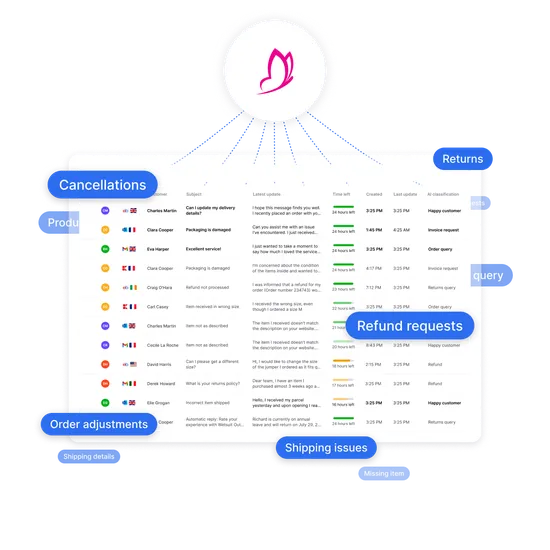
Because tickets from your Veepee marketplace stores share a queue with your other channels, one team works one list. Assign a ticket, leave an internal note or @mention a colleague without leaving the ticket. The eDesk helpdesk keeps that history in one place.
What the Veepee marketplace integration does in eDesk | |
|---|---|
| Veepee data | |
| Buyer messages and emails | |
| Order information from the customer | |
| Veepee orders | |
| Cancellations, returns and refunds | |
| Where agents see it | |
| Mailbox, as tickets | |
| Right side of the ticket | |
| Orders screen | |
| eDesk | |
| What they can do | |
| Read, assign, add internal notes and reply | |
| Check the details while writing the reply | |
| Look up every Veepee order in one liste | |
| Handle them in eDesk instead of logging in to Pink Connect | |
Handle Veepee deadlines and expiring tickets
Flash-sale customers expect quick answers. In eDesk, the Mailbox helps you reduce response times and manage your Veepee marketplace SLAs, and you can prioritise expiring tickets so the oldest conversations do not sit unnoticed.
Take a "where is my order" message. The ticket opens with the order information beside the buyer's question. The agent replies from a template that pulls in the Veepee order data, sends it and moves on to the next ticket.
Your team can also use built-in AI automations, plus templates and snippets, to answer common Veepee questions faster, then compare Veepee support performance with your other channels in eDesk reporting.
How to connect Veepee to eDesk
You need an eDesk Admin login (or an Admin in your business who can request one for you) and a Veepee merchant account. Veepee sets its own seller requirements, so you apply through Veepee. You also need the unique access token for your Veepee store. It is usually generated when you create the store and is in your Veepee Dashboard, and Veepee Brand Support can help if you cannot find it.
In the eDesk App Store, open the Veepee tile and click Install App.
Authorize eDesk, then enter your authorization token when prompted.
Log in to Pink Connect in a separate browser tab and open your Veepee user profile.
Copy the Authorization token from your profile and paste it into the eDesk token field.
Select the Veepee store (region) you want to connect.
Repeat for your other stores. The same token works for every store.
Store names are set in Pink Connect, and you can rename them in eDesk under Settings, then Mailbox, then Channels. The full walkthrough is in the Veepee setup guide, and you can browse other channels in the eDesk App Store.
Why Veepee sellers use eDesk
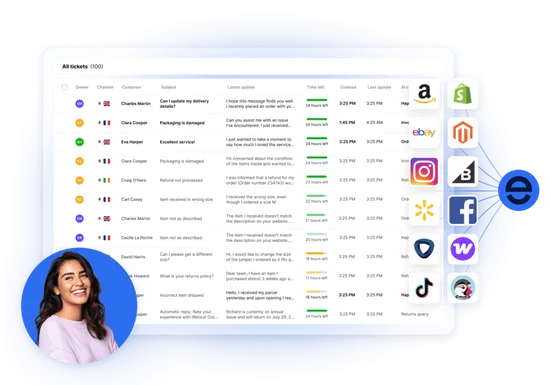
eDesk is rated 4.5 on G2 and 4.4 on Capterra. Start with a 14-day free trial that includes every feature, connect your Veepee marketplace stores and see messages and orders in one place. If you sell on Veepee and other marketplaces, your team answers each of them from one inbox.
Frequently asked questions
How do I connect my Veepee marketplace account to eDesk?
Install the Veepee app from the eDesk App Store, authorize eDesk and paste in the authorization token from your Pink Connect user profile. Then select the Veepee store you want to connect. You need an eDesk Admin login and a Veepee merchant account.
Can I connect more than one Veepee store?
Yes. Repeat the steps and select another store. The same token works for every store, and you can rename stores in eDesk under Settings, then Mailbox, then Channels.
Can I reply to Veepee buyers from eDesk?
Yes. Buyer messages arrive in the eDesk Mailbox as tickets and you reply from there. Do not reply directly in Pink Connect, because those responses do not appear in eDesk.
Can I manage returns, refunds and cancellations in eDesk?
Yes. You can handle cancellations, returns and refunds in eDesk, so you do not need to log in to Pink Connect for them.
Where do I find my Veepee authorization token?
It is usually generated when you create your Veepee store and is in your Veepee Dashboard, and you can also copy it from your Veepee user profile in Pink Connect. Veepee Brand Support can help if you cannot find it.
Explore eDesk
See how thousands of eCommerce sellers use eDesk to resolve support faster and increase sales.

Not just responding.Resolving.
Start answering Veepee buyers from one inbox Start with a 14-day free trial that includes every feature, connect your Veepee marketplace stores and answer buyers from the same inbox as your other channels.
Discover more
WhatsApp
Elevate your customer support with native integrations to your webstore, marketplaces and social channels. eDesk was built from the ground up to support eCommerce sellers no matter where they sell.
- Social media
woocommerce
Do it all from one support tool, across multiple support channels. That’s eDesk at its core.
- Webstore
Magento
The ultimate help desk for Magento & Adobe Commerce entrepreneurs
- Automation & Management