Instagram Integration
Instagram DM software for eCommerce customer service
eDesk is Instagram DM software for sellers who get product questions on Instagram and also sell on webstores and marketplaces. Connect an Instagram Business account that is linked to a Facebook business page, and comments and DMs arrive in eDesk as tickets, with the buyer's order details beside them. Replies you send from eDesk appear on Instagram.
Trusted by leading eCommerce brands
- 4.8 out of 5Shopify App Store

- 4.5 out of 5G2

- 4.4 out of 5Capterra


What the Instagram DM software does in eDesk
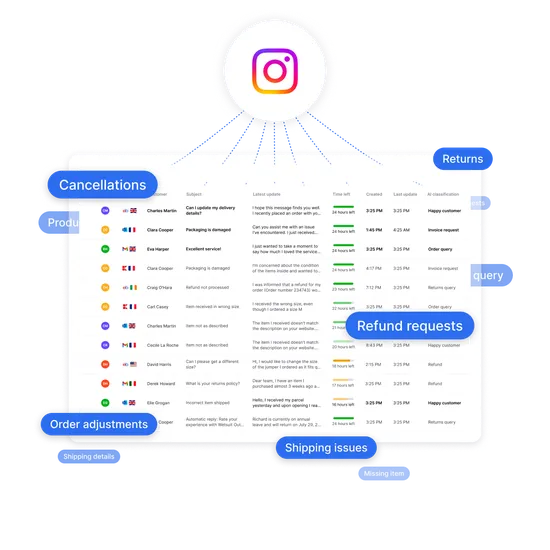
Once Instagram is connected, your post comments and DMs flow into eDesk. eDesk checks existing posts for new comments every 15 minutes, and DMs can take up to 15 minutes to appear after you first approve access.
Some things are not supported. eDesk does not handle PDFs, reactions or stickers in DMs, or group threads with more than two participants, and you cannot reply to a reply on a comment. Images such as PNG and JPEG work.
What the Instagram DM software does in eDesk | |
|---|---|
| Instagram data | |
| Comments on a post | |
| Replies to a comment | |
| Direct messages | |
| Story mentions | |
| Where agents see it | |
| One ticket per post, with comments as incoming messages | |
| A new ticket, with a subject that starts "Reply to" | |
| Mailbox | |
| In eDesk | |
| What they can do | |
| Reply from eDesk and the reply appears as a comment on the post | |
| Answer from the reply box once Enable Instagram Replies is ticked | |
| Reply with the Direct Message button, including images | |
| See the mention and reply to it | |
Answer product questions from posts, comments and DMs
Take a pre-sale question. A buyer comments under a product post asking whether an item comes in a larger size. The comment opens a ticket, an agent answers from eDesk, and the answer appears under the post. Our pre-sales support page shows how agents handle these questions on any channel you sell on.
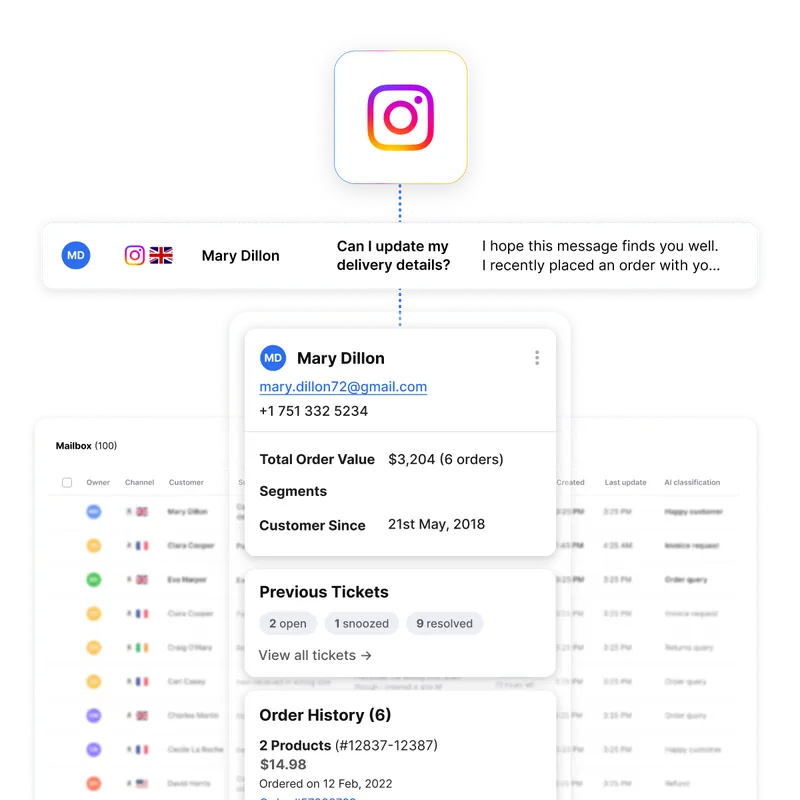
Now a post-sale one. A buyer sends a DM asking where their order is. It arrives in your Mailbox, the order record and customer history appear in the conversation view, and the agent replies with the Direct Message button.
eDesk can prioritize and assign Instagram tickets to agents by query type and response time, and agents can leave internal notes and @mention colleagues. It works as social media customer service software across Instagram, Facebook, WhatsApp, email and your marketplaces, so one team answers every channel.
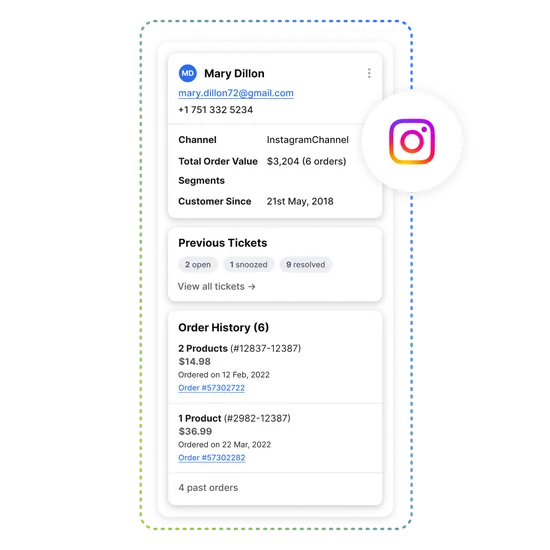
Every Instagram buyer with their orders beside the ticket
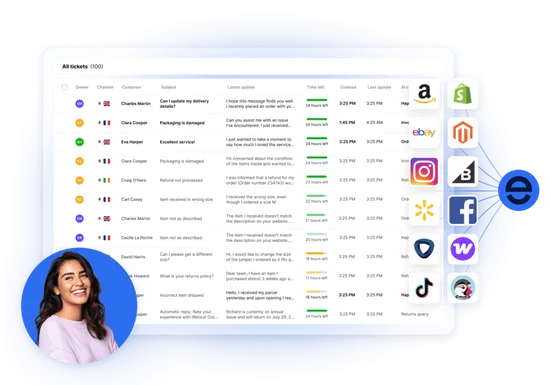
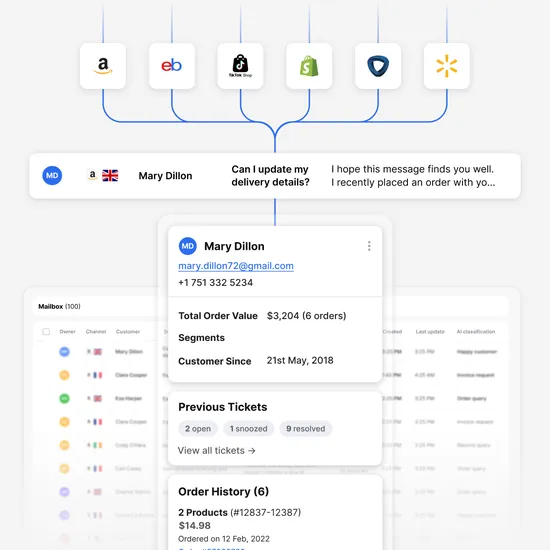
Instagram tickets sit in the same inbox as your webstore and marketplace messages. eDesk surfaces the order record and customer history in the conversation view, so an agent sees what the buyer ordered before replying, rather than asking for an order number in the DM.
How to connect Instagram to eDesk
To set up the Instagram DM software you need an eDesk Admin login, a Facebook account with a business page, and an Instagram Business account connected to that page. Then:
In the App Store, click the Instagram tile, then click Install App.
Click Authorize eDesk to reach the Facebook login page.
Sign in to Facebook, go to Social media then Instagram, and allow eDesk to access your profile and posts.
Select the business page with the connected Instagram account and click Confirm.
If DMs do not show, go to Settings, Mailbox Settings, Channels, open your Instagram channel and click Renew Access in the General tab. Approve the Facebook request to manage your Instagram messages.
The Instagram setup guide covers each screen. You can also browse all eDesk integrations.
Meta's Instagram messaging documentation says an app has 24 hours to respond to a message from an Instagram user, and that a tag lets a human agent reply outside that window. It describes messaging for Instagram professional accounts.
Why sellers use eDesk for Instagram support
eDesk is rated 4.5 out of 5 on G2 and 4.4 out of 5 on Capterra.
Right Deals UK, a furniture e-tailer, handles customer messages from Amazon, eBay, its website, Facebook, Instagram and Live Chat in eDesk. Its Sales Director says: "eDesk makes us more efficient as a team. We handle support tickets 5x faster than before." Read the Right Deals story. The result covers all of its channels, not Instagram alone.
Frequently asked questions
Do Instagram comments create support tickets?
Yes. Each post creates a ticket when someone leaves a comment, and the comments appear in it as incoming messages. A reply to a comment opens a new ticket once Enable Instagram Replies is ticked in the channel settings.
Can I answer Instagram DMs from a helpdesk?
Yes. After you approve access, DM conversations appear in the eDesk Mailbox and agents reply with the Direct Message button. This Instagram DM software supports images such as PNG and JPEG but not PDFs, reactions or stickers.
Does eDesk work with a personal Instagram account?
No. eDesk needs an Instagram Business account connected to a Facebook business page. The help article lists DMs from or to non-business accounts as unsupported.
Can agents reply to Instagram Story mentions?
Yes. Agents can see and reply to Story mentions in eDesk.
Which attachments can customers send in Instagram DMs?
eDesk supports images such as PNG and JPEG in Instagram DMs. PDFs are not supported, and neither are reactions or stickers.
Explore eDesk
See how thousands of eCommerce sellers use eDesk to resolve support faster and increase sales.

Not just responding.Resolving.
Set up Instagram DM software that puts comments, DMs and orders in one inbox. Your 14-day full-feature trial needs no credit card.
Discover more
WhatsApp
Elevate your customer support with native integrations to your webstore, marketplaces and social channels. eDesk was built from the ground up to support eCommerce sellers no matter where they sell.
- Social media
woocommerce
Do it all from one support tool, across multiple support channels. That’s eDesk at its core.
- Webstore
Magento
The ultimate help desk for Magento & Adobe Commerce entrepreneurs
- Automation & Management