Whatsapp Integration
WhatsApp ticketing system for eCommerce order support
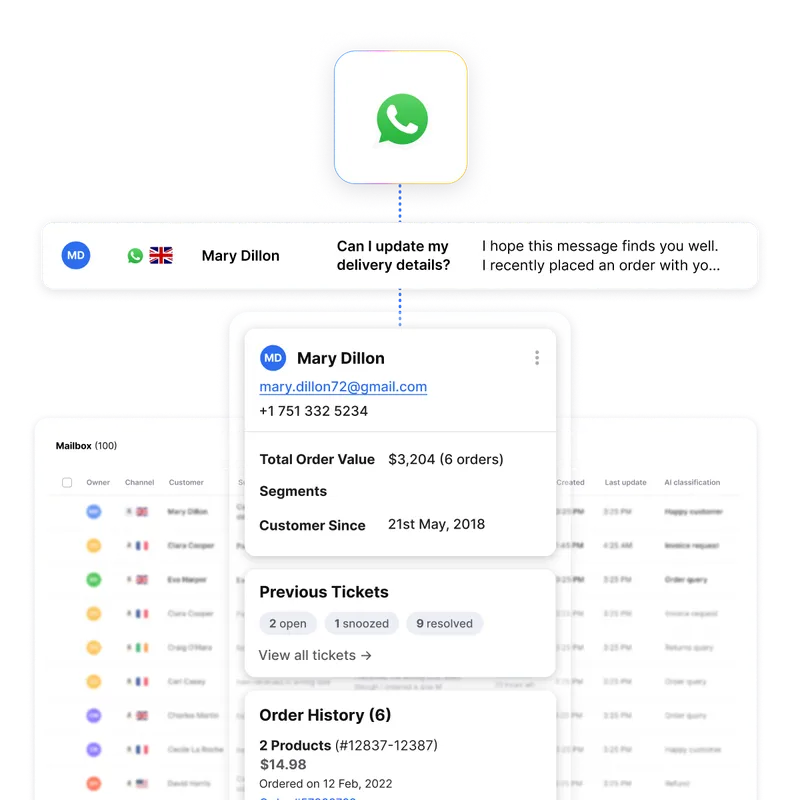
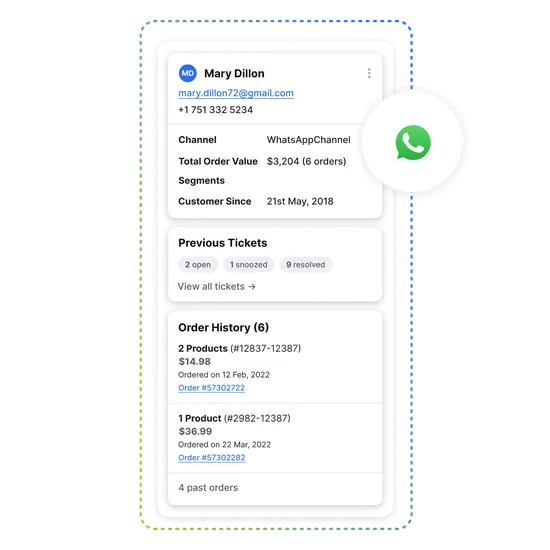
eDesk is a WhatsApp ticketing system for online sellers on webstores and marketplaces. Connect WhatsApp Business and each customer chat becomes a ticket in your inbox, shown with order details so agents can answer without hunting for the order. This page explains what syncs, how the 24-hour reply window works and how to connect.
- Buyer and operator messages become tickets with the order attached.
- Expiring WhatsApp tickets are prioritized to help you reply inside the 24-hour window.
- Optional auto-translation covers messages in both directions.
Trusted by leading eCommerce brands
- 4.8 out of 5Shopify App Store

- 4.5 out of 5G2

- 4.4 out of 5Capterra


Reply faster on WhatsApp without losing the order context
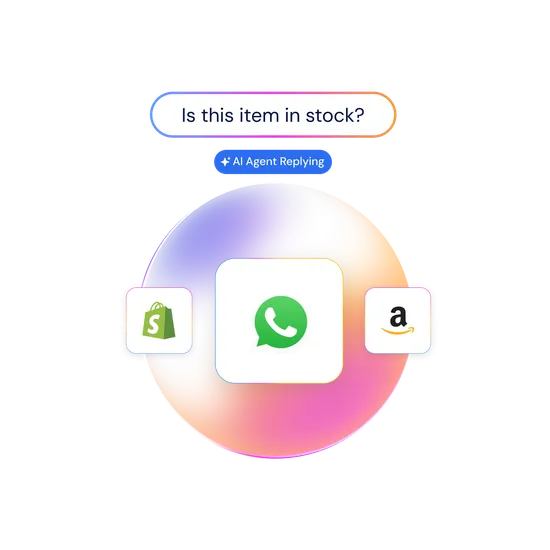
Seeing the order next to the chat removes the back and forth. A buyer asks where their parcel is, and the agent checks the order in the same ticket before replying. For automation across channels, see the eDesk AI Agent. Inside a ticket, AI Assist (an add-on on every plan) suggests replies.
Buyers write in their own language. With auto-translation, eDesk translates an incoming message into the agent's preferred language and offers a translation of the reply in the buyer's language before it is sent. For example, a Spanish-speaking buyer asks about a delivery. The agent reads the message in English, replies in English and chooses whether to send the Spanish translation or the original. Auto-translation is available on the Professional and Enterprise plans.
Stay inside WhatsApp's 24-hour reply window
Meta's WhatsApp pricing documentation defines the customer service window as ending 24 hours after the customer last messaged you. Inside it, you can send non-template messages. Outside it, template messages are the only message type you can send.
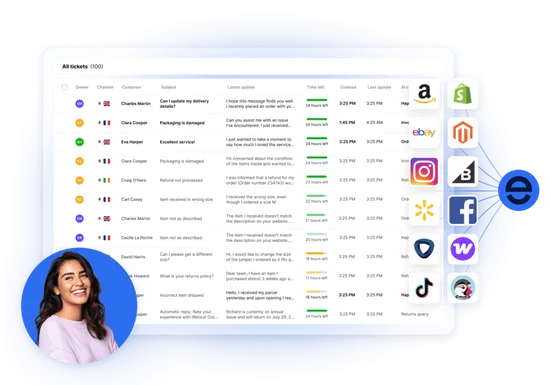
eDesk prioritizes expiring WhatsApp tickets in the Smart Inbox to help you meet your SLAs. SLA timers are included on the Growth, Professional and Enterprise plans. When the window has closed, choose an approved template instead of typing a message.
How to connect WhatsApp Business to eDesk
To connect the WhatsApp ticketing system you need an eDesk Admin login (or a request to an Admin in your business), a Facebook login for Meta's connection flow, and a WhatsApp Business account and phone number. Then:
In the App Store, click the WhatsApp tile in Support Email & Comms, then click Install App.
Click Authorize eDesk and log in to Facebook in the Meta window.
Select Get started, enter your business details, then choose an existing WhatsApp Business account and profile or create new ones.
Add a valid payment method. You need one before you can send any messages.
Choose your verified number and click Next. eDesk imports five out-of-the-box templates.
If you connected WhatsApp before the end of June 2025, set the channel up again. The WhatsApp setup guide covers each screen, and you can browse all eDesk integrations.
Meta charges per message, effective 1 July 2025. All non-template messages are free, and utility templates sent inside an open window are free. eDesk charges a monthly fee for each connected number on all plans. The WhatsApp pricing guide has the current figures.
Frequently asked questions
Is there a fee to use WhatsApp with a helpdesk?
Yes. Meta charges per message, although non-template messages are free, and eDesk charges a monthly fee for each connected number on all plans. You also need a valid payment method before you can send messages.
Can I reply on WhatsApp after 24 hours?
Only with a template. Meta says template messages are the only message type that can be sent outside the 24-hour window. eDesk imports your active templates, so an agent can choose one to reply.
Can I use my existing WhatsApp Business number?
Yes. In the connection flow you can choose an existing WhatsApp Business account and profile, then pick your verified number. If the number is connected through 360dialog, ask 360dialog to unsubscribe it and tell eDesk.
Which message types can agents send and receive?
In eDesk's WhatsApp ticketing system, agents can type a reply or choose a template. The setup guide does not list media types such as images, PDFs or audio, so ask eDesk support to confirm the current list.
Does eDesk AI answer WhatsApp messages?
AI Assist suggests replies inside every eDesk ticket, including WhatsApp, and it is an add-on on every plan. Your agent chooses what to send.
Explore eDesk
See how thousands of eCommerce sellers use eDesk to resolve support faster and increase sales.

Not just responding.Resolving.
Set up a WhatsApp ticketing system that shows the order beside every chat. Your 14-day full-feature trial needs no credit card.
Discover more
woocommerce
Do it all from one support tool, across multiple support channels. That’s eDesk at its core.
- Webstore
Magento
The ultimate help desk for Magento & Adobe Commerce entrepreneurs
- Automation & Management
eBay
Want to improve your eBay ratings and increase sales? With eDesk, you can centralize all eBay customer service communications in one easy-to-use platform.
- Marketplace