
Amazon keyword tools give sellers an understanding of their potential buyers. You can use the information you gather to form an Amazon marketing strategy and improve the visibility and ranking of your Amazon products.
Now that we know that Amazon keyword tools are useful and one of the most important Amazon seller tools, let’s take a look at seven of the best keyword research tools for Amazon FBA sellers in 2025.
1. Ahrefs Site Explorer
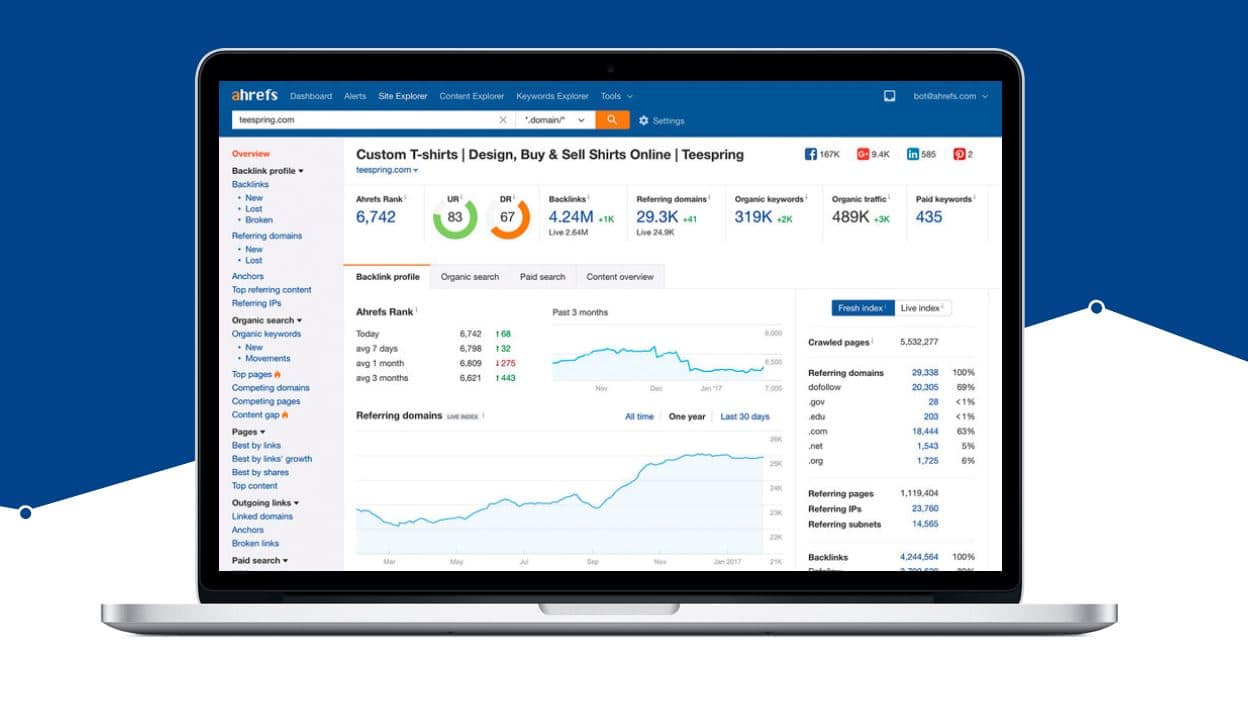
Ahrefs Site Explorer reveals the keywords bringing visitors onto Amazon pages from organic searches. On the dashboard, you’ll see various metrics that let you analyze your competitors’ data and perform effective competitor keyword research for Amazon.
It’s also possible to see what position the page stays in SERP (Search Engine Results Page) for every single keyword, helping you track your Amazon listing optimization efforts.
The tool provides comprehensive Amazon search volume analysis to help you identify trending search terms and prioritize your optimization strategy.
2. MerchantWords

MerchantWords is a great Amazon keyword tool for sellers looking to increase Amazon sales through better keyword targeting. Sellers can use this tool to gain valuable keywords without the need for much SEO expertise.
You can generate long tail keywords for Amazon that are specific to your products, which often have less competition and higher conversion rates.
With its extensive database of Amazon search terms, MerchantWords provides accurate data to help you optimize your product listings and boost your sales performance.
3. KeywordInspector

KeywordInspector offers a number of different options including Trending Keyword Search. This feature enables members to check the top new keywords on a daily or weekly basis.
Indexation Tester and Reverse ASIN features help you optimize your Amazon products to reach interested buyers. These Amazon SEO tools provide valuable insights into what’s working for top-performing listings.
KeywordInspector isn’t free. Members must either buy credits for the tool they want or purchase a monthly subscription, but the investment can significantly improve your Amazon advertising performance.
Seller Tip: One source of long tail keywords Amazon sellers often overlook is their product reviews and seller feedback. By reviewing what customers are writing about your products, you can see common traits that they like — and because reviews are written in their own words, they’re often a great insight into what customers value and what they’ll search for. Check out eDesk Feedback to learn all about how to get more positive reviews.
4. Google Keyword Planner

Google AdWords is perhaps still the most popular advertising tool on the Internet. Within it, you can use Google’s Keyword Planner for free to monitor and compare keyword trends.
As it looks at the keywords from the Google search engine it may not be the most effective tool for Amazon sellers, but it can provide valuable insights into broader search trends that influence Amazon shopping behavior.
For comprehensive Amazon SEO, you might want to combine this with more Amazon-specific keyword research tools.
5. Keyword Tool
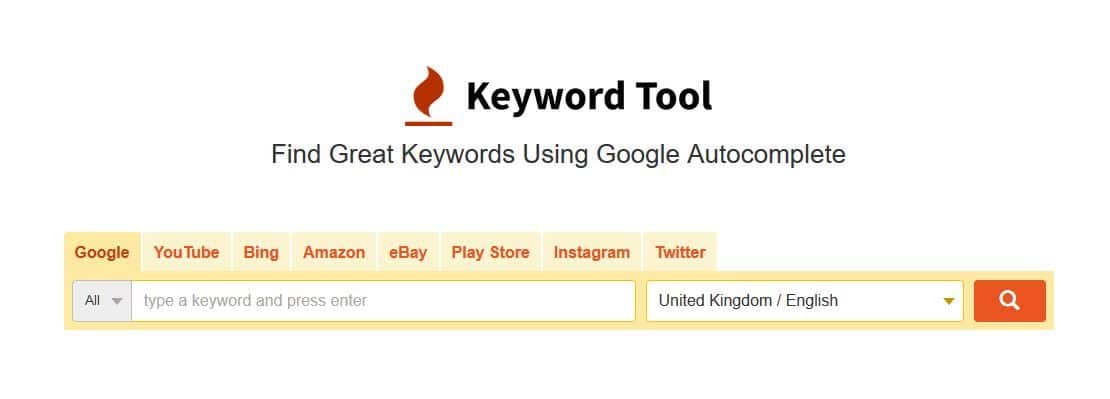
Keyword Tool regards itself as the best alternative to Google’s Keyword Planner. With the free version of Keyword Tool, you can generate up to 750+ long-tail suggestions for each search term.
Using the tabs, users can easily switch between Google and Amazon to get the best keywords for their products, making it an excellent option for sellers looking to find profitable keywords for Amazon listings.
The tool’s 2025 version includes enhanced features for listing optimization tools integration, allowing sellers to seamlessly export keywords into their favourite listing optimization software.
6. Sonar
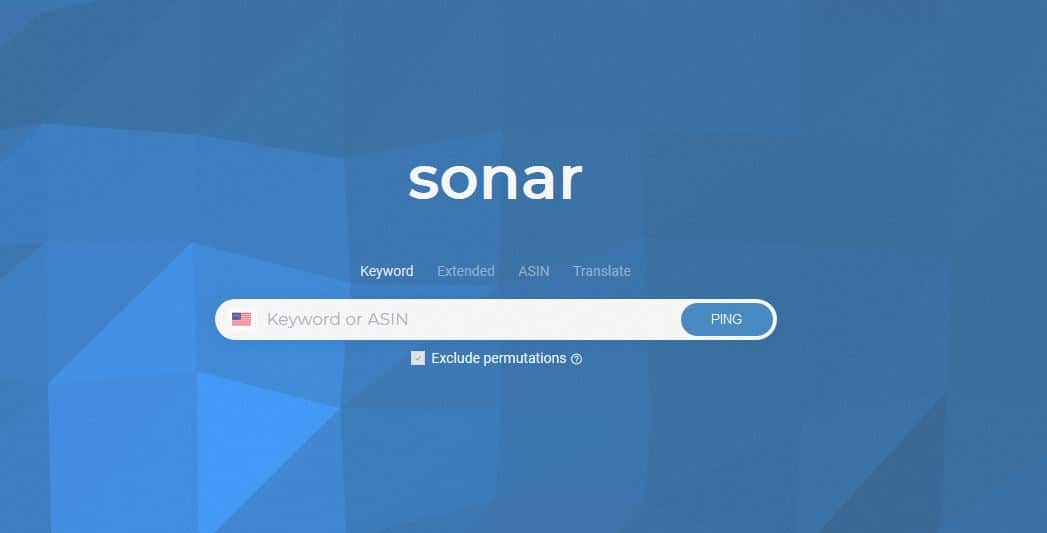
Sonar provides a free Google Chrome extension which provides sellers with all the keywords they’ll need for their listings and campaigns.
You can uncover your competitors’ keywords with free reverse ASIN lookup and find the most profitable keywords in over 75 million real Amazon search terms.
For sellers interested in improving their Amazon listing optimization, Sonar offers valuable insights into high-performing keywords that can boost your product visibility.
7. Helium 10 Magnet

New addition for 2025
Helium 10’s Magnet has become one of the most powerful Amazon keyword research tools in 2025. It analyzes millions of Amazon products and searches to provide you with accurate keyword data.
The tool’s algorithm delivers precise search volume estimates and trends, helping you identify seasonal patterns and emerging opportunities. The smart filters allow you to quickly sort through thousands of keywords to find the ones most relevant to your products.
Magnet’s integration with other Helium 10 tools makes it a comprehensive solution for Amazon advertising and listing optimization.
Final thoughts
In Amazon’s increasingly competitive marketplace, you need to use all the information and insights available to you. Every Amazon keyword tool above can help you gather keywords to boost your sales and optimize your listings.
Each tool is different and which one you choose will depend upon what features you need and what budget you have. Try out a few and see which one works for your eCommerce business.
Remember that effective Amazon SEO keyword research is an ongoing process, not a one-time task. The most successful sellers regularly update their keywords to stay ahead of changing customer search behaviors and market trends.
By investing time in finding the best keyword research tool for Amazon 2025 that suits your specific needs, you’ll be well-positioned to increase your Amazon sales and outperform your competition.